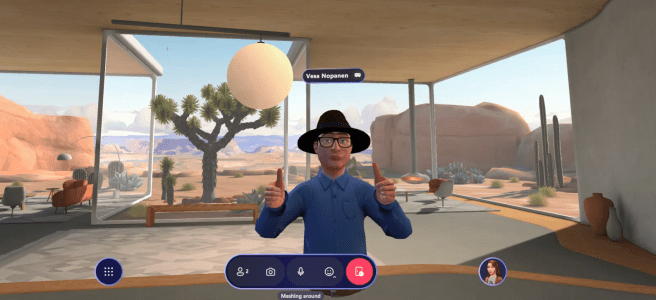
Microsoft Mesh keeps on delivering new features that help with collaboration and interactions with others! Hand gestures can be performed when using Mesh with Quest VR. Controllers open up new ways to interact with others in a natural way. Using controller buttons, users can activate thumbs up, pointing with a finger, waving / making a fist, and even the iconic “fingergun” gesture. These gestures enhance the immersive experience and enable users to communicate and engage with virtual content in a more intuitive and seamless way. Little thing, but I was very happy to discover these gestures!
Using Mesh immersively with a VR headset gives much more expressions, freedom and feeling of being there than with PC app. I have found out that I enjoy more and more to join many meetings using the VR Headset. It depends if I need to do something else than just talk during the meeting. And it is possible to switch back and forth if needed.
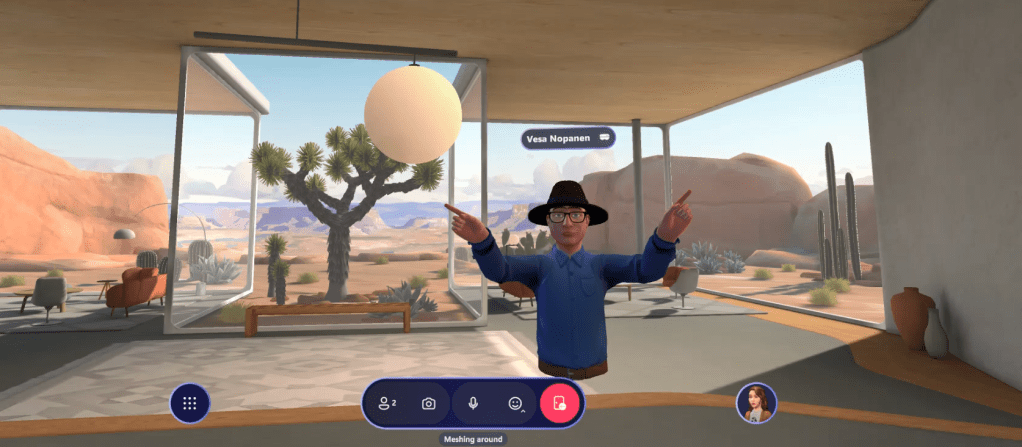
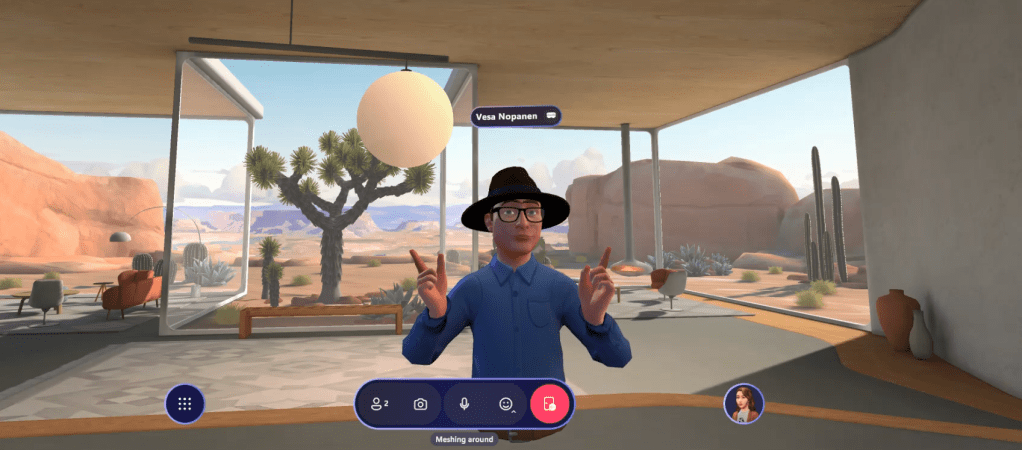
Let’s start by pointing with finger. That is done by pressing down the trigger button. You can have lots of fun with this, even dance if you like to. But also you could imitate gestures like touching your face with finger (thinking). When giving a tour in immersive you can use finger to point to specific area, instead of just using whole hand to point to the general direction.
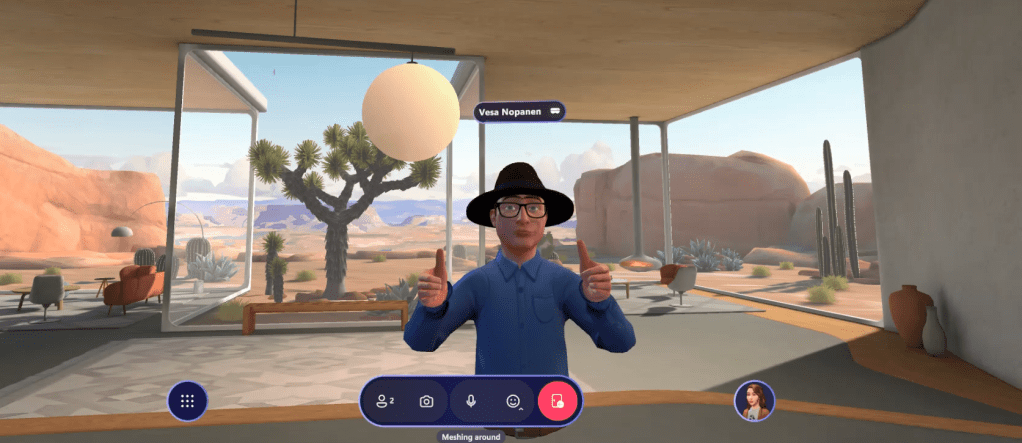
The next thing we want to do is the thumb up. That is done by pressing A button on the controller. This is much more intuitive use than selecting a reaction from the toolbar. Too bad these thumbs up don’t generate reactions to those attendees joining via 2D to the meeting.

Next, the iconic “fingergun” is created by pressing both the trigger and A button down. And it is not just the gun you create, you can use it to classic “movie director framing” as well. Or just to do a “indeed / yes / right on ” style of gesture.

With the grip button you can grab something in immersive but you can use it to make a fist.

Fist isn’t a full fist to others. Mesh leaves hands a bit open – and my guess is that it is because of responsible and safe metaverse. After all, there are people would not like if approached fists up – even in virtual environment. It is good that you can’t make avatars look intimidating or overpowering to others.

What can be done, is the martial arts style salute, one hand closed and other one covering it.

I was trying Mesh and these gestures out in different accounts and tenants, so I was sure these are available in wider amount of environments. These work in both Events and Teams immersive meetings.
And of course, don’t forger you can use your hands and move them around when using controllers. I enjoy the freedom it gives me to be more expressive and the experience is also more immersive this way.
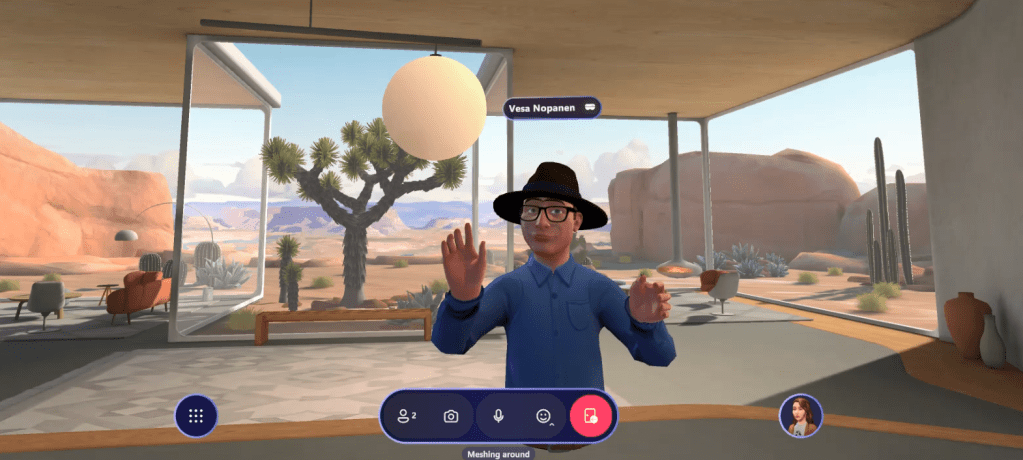
And since VR Headset tracks your head movements, it is easy to nod, move head from side to side or just turn to watch the other person/avatar.


All good?

Let’s meet and celebrate in the metaverse!
Thank you for reading! If you need help with Microsoft Mesh on building custom spaces for your organization, or learning more about how to benefit from the metaverse, feel free to be in touch using my work email at Sulava. We can help you for sure!


 Vesa Nopanen - Future Work today
One thought on “Thumbs up, mate! And other Microsoft Mesh gestures you can use in VR”