
Microsoft Whiteboard is progressing steadily, getting new features and more items on the roadmap. In my previous Whiteboard-post I took a look about its Microsoft 365 Copilot announcement. Since then there has been already some new additions to the roadmap. But let’s take a look what you can do already today – or soon.
- Commenting in Microsoft Whiteboard
- What’s coming to Whiteboard during this month?
- Whiteboard roadmap for July, August and beyond
Commenting in Microsoft Whiteboard
Commenting appeared on some my tenants during Wednesday. You can see it immediately when you look at the toolbar in Whiteboard: there is a new function.


Yes, it has a shortcut key Alt+C, which is easy to remember. Using that commenting allows you to put comments anywhere on the whiteboard canvas.

And then you just add your comment and send it. Replying is happening inside the same box.
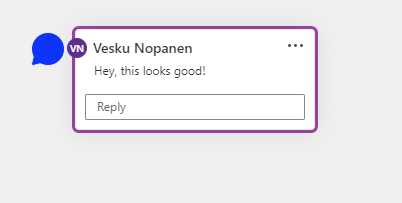
You can move the commenting in the board by drag & dropping – and you can have multiple comments there. You can also edit your comment and delete the thread.

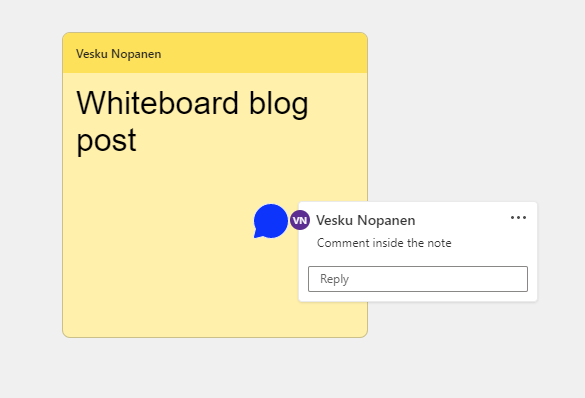
We can also add comments to various objects and shapes on the board.


You can see from the icon who added the comment, so it will be easy to track what’s happening.
You can also change comment’s location by dragging it inside the note. And of course by clicking on the comment you can reply to it.
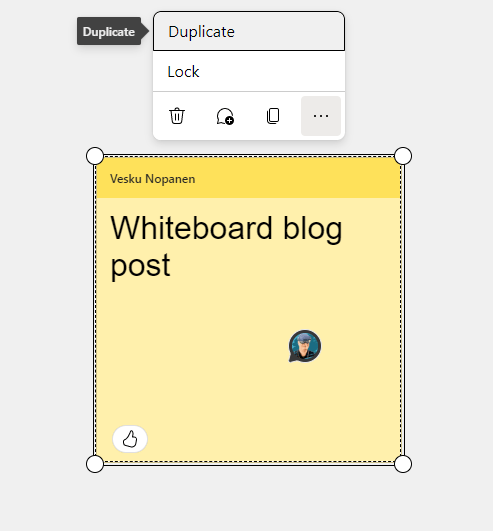
Objects have also now “Duplicate” feature, that is found behind …menu.
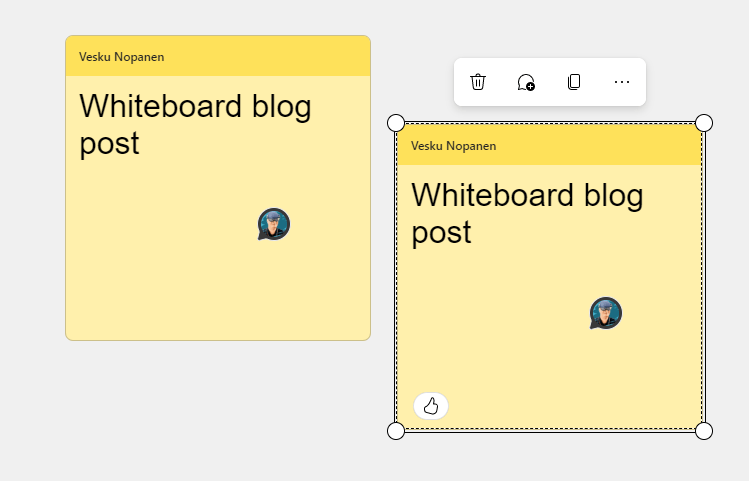
What is fun with Duplicate, is that is also keeps comments with the duplicated object.
You can use commenting on everything you have on on the board. Even on reactions and text.
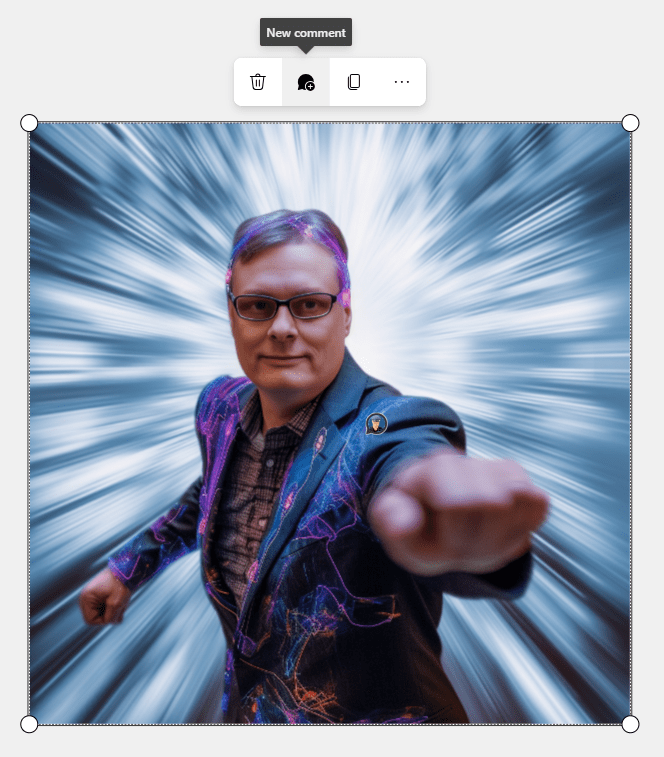
And naturally with pictures or videos as well

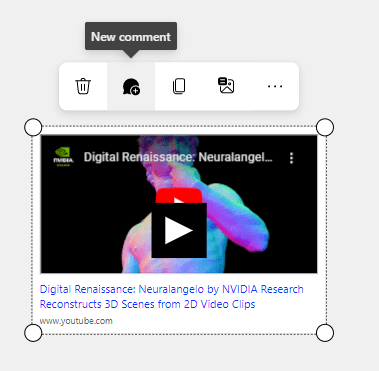
And it also works with Loop components you have dropped to the board. You can also drag the comment location inside the Loop component.
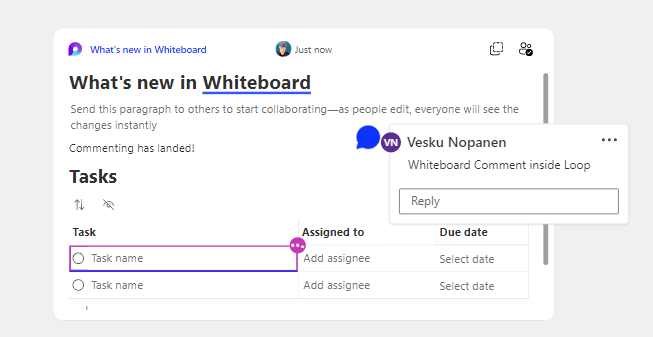
The only difference is Shapes. Commenting is there, but hidden under … menu unlike on other objects.

In conclusion – Commenting is very useful when you are collaborating with others. Instead of having to use Notes or text features you can have a more meaningful insight with comments and replies there.
What’s coming to Whiteboard during this month?
There are several changes and updates coming to Whiteboard during June (or in July, depending how features roll out to tenants).
User Interface refresh
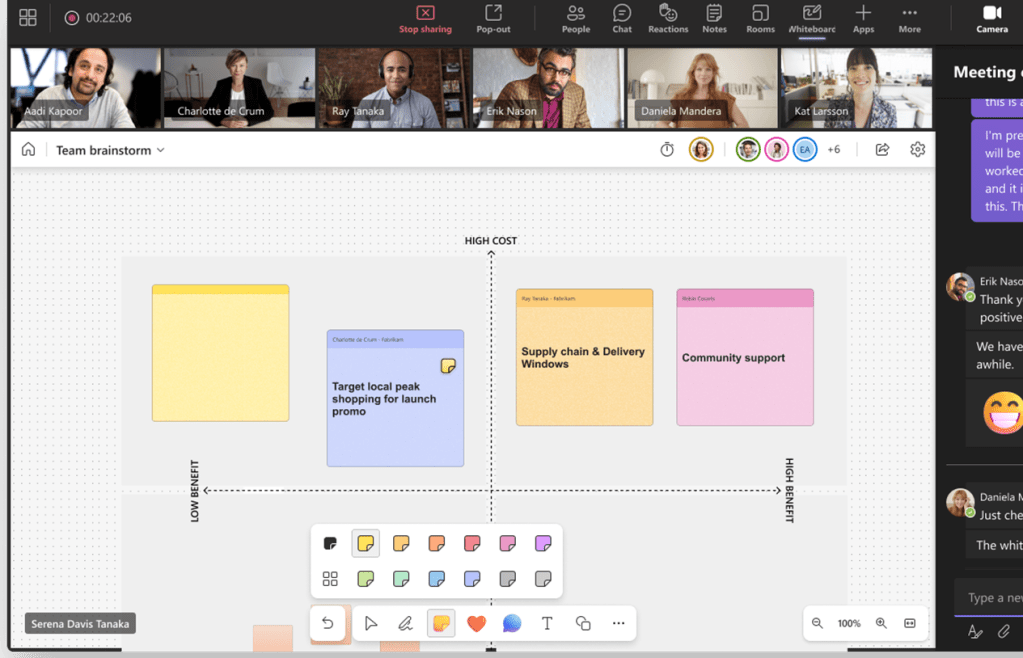
The change is apparent: toolbar gets a refresh and moves to the bottom. This should improve the usability with the board.
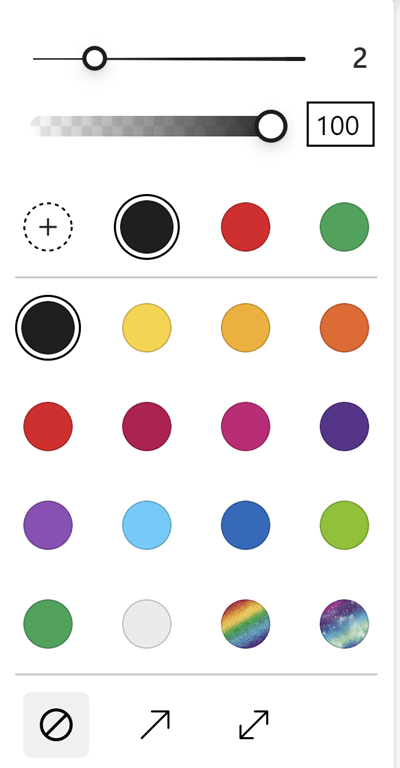
Color picker update
Another long awaited feature. From a fixed set of colors to modern color picker – including slider for transparency.

Ink beautification
It is coming back! Finally! With my handwriting I was gutted when the feature disappeared. I hope it will work even better than before!
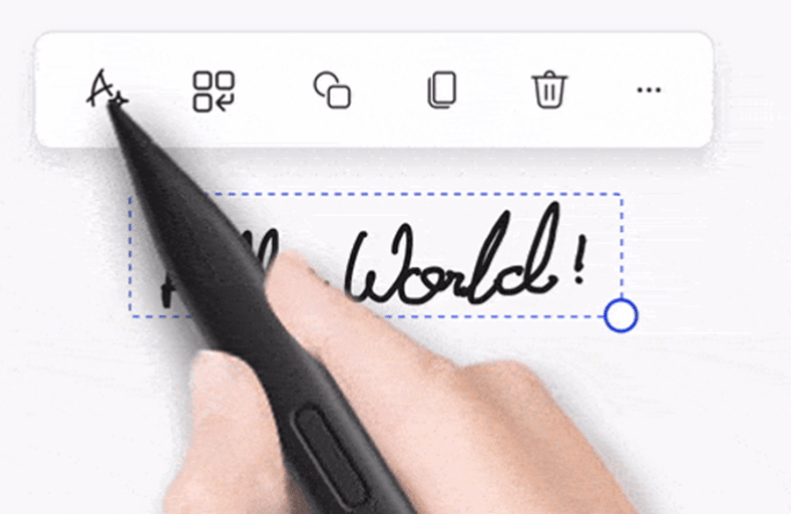
And we are getting also the ability to straighten the inked text.
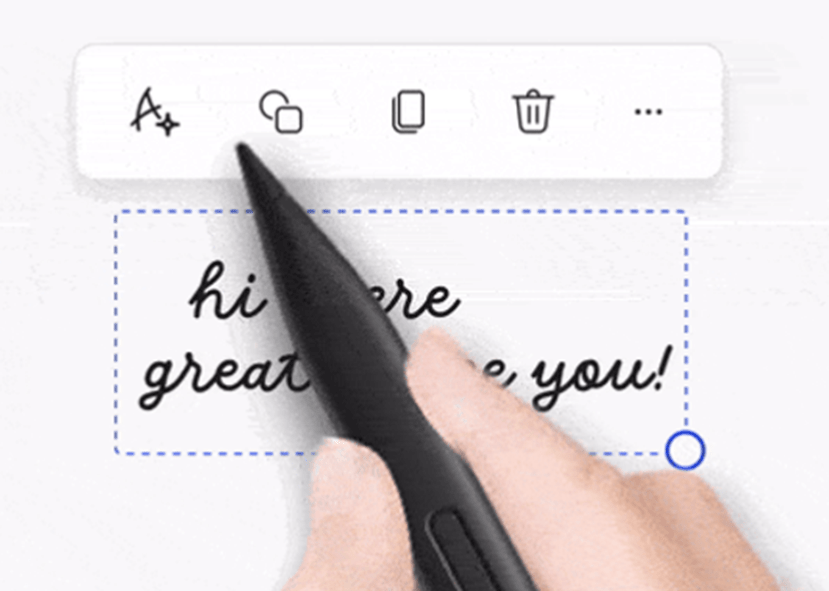
Whiteboard roadmap for July, August and beyond
That’s not all what Whiteboard is getting during this summer and autumn. I am especially looking forward for Loop-components and creation of new whiteboards from a template.
July
- Loop tables and task lists creation from inside Whiteboard (yes! no more need to first create a Loop component and then copy-paste it to the board)
- Create new whiteboards using templates. Currently we create first the Whiteboard and then select a template to add to the board, during August we should be able to initiate new boards directly from templates.
August
- Connectors. Anchoring lines between different shapes and creation of new shapes and lines off of existing ones.
September
- Migrating old Whiteboards in Azure to OneDrive for Business. If you still have those old boards..
October
- Voting. Voting can be anonymous or not.
Sometimes schedules do change – so for the latest up to date situation check the public roadmap.

 Vesa Nopanen - Future Work today
One noteworthy feature that caught my attention is the commenting capability in Microsoft Whiteboard. It’s a valuable addition that allows users to collaborate and provide feedback directly on the board. This feature can greatly enhance teamwork and communication during brainstorming sessions or collaborative projects.
LikeLiked by 1 person
Exciting updates! Microsoft Whiteboard’s new features, especially the comment integration and UI refresh, bring a fresh dynamic to team collaboration. At Whimsitoons, where visual storytelling and creative brainstorming are essential, we’re thrilled to see tools that enhance ideation and feedback. Looking forward to seeing how upcoming additions like Loop components can elevate collaborative experiences!
LikeLike