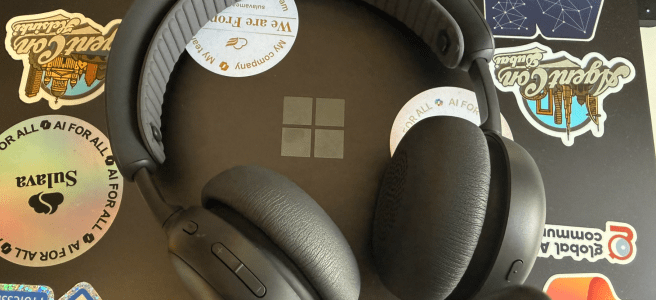
There are three things I’m unforgiving about in work headsets: comfort, microphone quality, and noise cancellation. I’ve been using Logitech Zone Wireless 2 ES at home for Microsoft Teams meetings, webinars, and some recordings — and overall I’m genuinely happy with it. Logitech provided the headset for testing, which I appreciate, and as always: opinions are my own.
TL;DR
Zone Wireless 2 ES delivers where it matters: it’s very comfortable (even for longer sessions), the mic quality is excellent for Teams calls and recordings, and the noise cancellation is strong for working in a real home environment. The reversible boom mic (left or right) is one of those small details that quickly becomes a “why doesn’t everyone do this?” feature.
- Why comfort matters
- Microsoft Teams call quality: clear, stable, reliable
- Noise cancellation necessary, not a “nice-to-have”
- The boom mic: small design choice, big daily benefit
- Battery life: good, predictable, and doesn’t demand attention
- Two minor Windows/laptop quirks I ran into (and the quick fixes)
- Zone Wireless 2 ES vs Zone Wireless 2 — what’s meaningfully different (without turning this into a full comparison)
- Specs & compatibility (quick reference)
- Verdict: a genuinely good headset
Why comfort matters
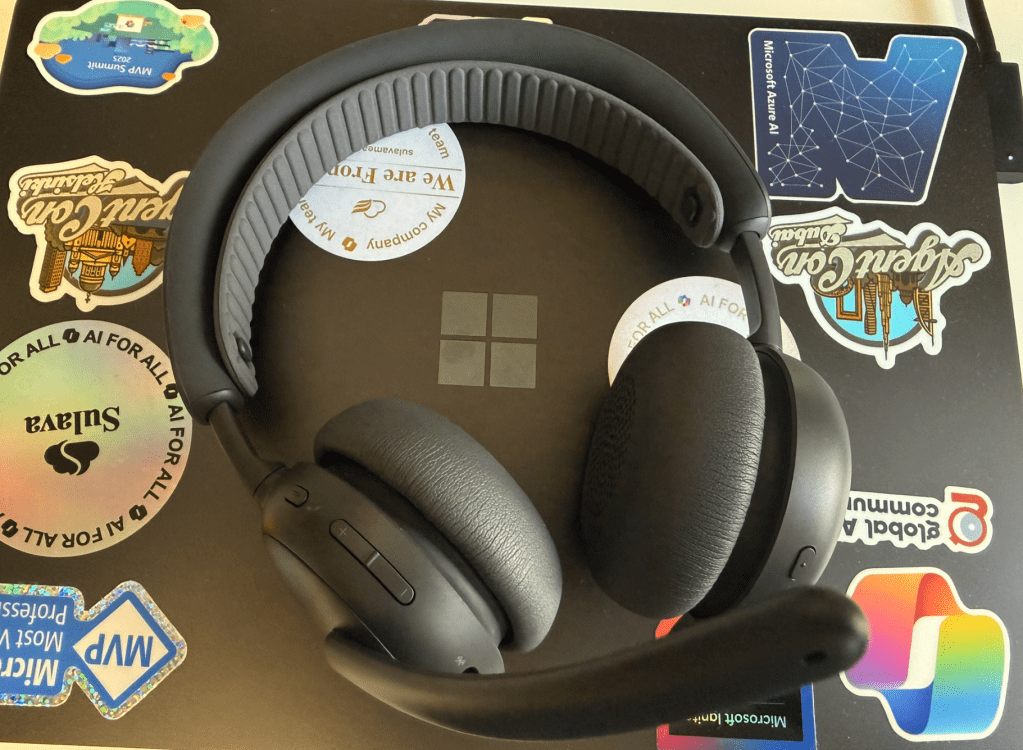
I’m not usually the best target audience for on‑ear headsets. Many on‑ear models feel fine for the first hour… and then slowly start applying pressure in exactly the wrong places. That’s why I give kudos to Zone Wireless 2 ES : it’s surprisingly comfortable, even over longer periods. The secret of this, on top of soft on-ear parts, is the extra band they included.
This matters more than people think. In modern work, comfort isn’t a “nice-to-have” — it’s the difference between “I’ll use this daily” and “I’ll keep it in the drawer for real needs.”. And yes, comfort is personal. For my ears, this is one of the few on‑ear headsets that stays comfortable through long sessions, and so far the winner in that.
Microsoft Teams call quality: clear, stable, reliable
Most of my headset testing is simple: do I trust it in a Teams meeting where I don’t have time to fight my audio?
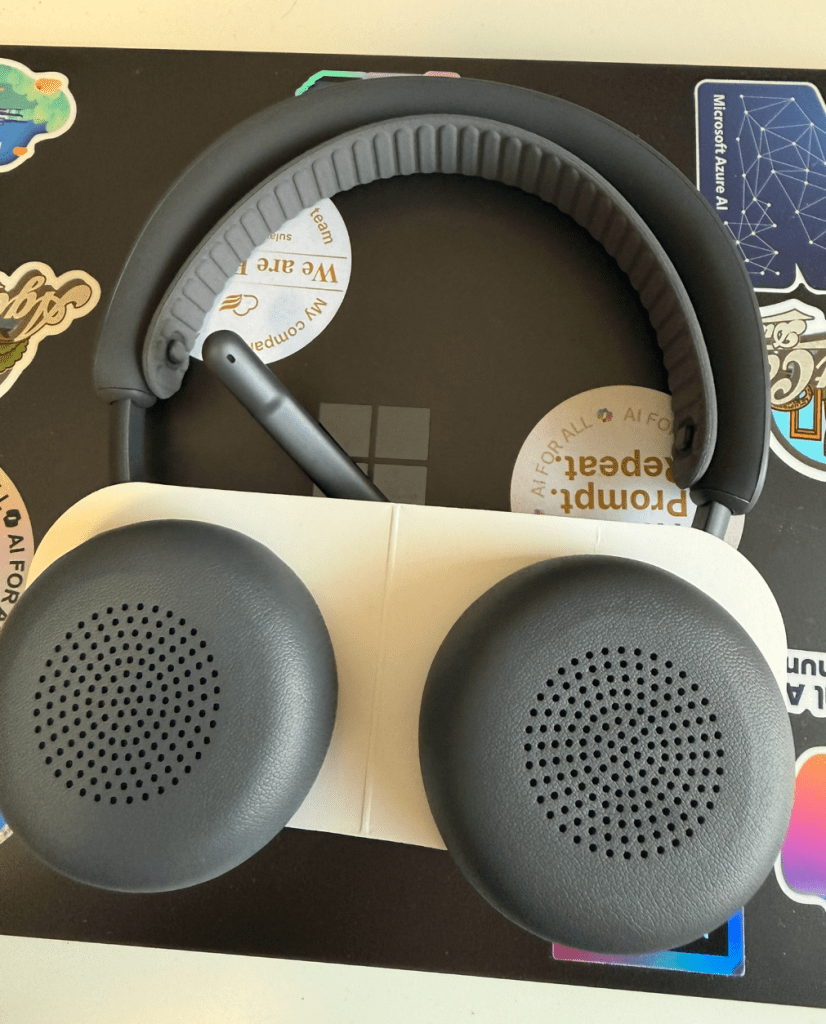
With Zone Wireless 2 ES, the answer has been yes often. Audio has been clear and stable, and the microphone quality has been consistently strong in meetings, webinars, and recordings. People hear me clearly, and I don’t need to second-guess whether the headset is doing something strange mid-call.
The only issue there has been is related how my laptop seems to connect to this ( and some other) headsets occasionally. Looks more like the laptop issue, since this happens also with other headsets. This hasn’t been anything that an old-fashioned Bluetooth off and on (at laptop) would have not fixed.
Noise cancellation necessary, not a “nice-to-have”
I’ve used these at home only so far, and home is one place where you learn whether ANC is actually helpful.
For me, the ANC is very good — and that’s not just a technical detail. When the rest of the family is home, you don’t need silence; you need something that reduces distractions enough to let you focus and be present in meetings. Zone Wireless 2 ES does that job well.
What remains to be tested is a airport lounge, restaurant or busy office, where several people are talking loudly.. I hope this headset does a better job than what some other headsets did. But I do grant, it was a very very difficult situation for the headset when I was wishing the ANC would have been 2-3 times stronger ( multiple people talking loudly nearby) . Probably one reason I would choose over-the-ear headset..
The boom mic: small design choice, big daily benefit
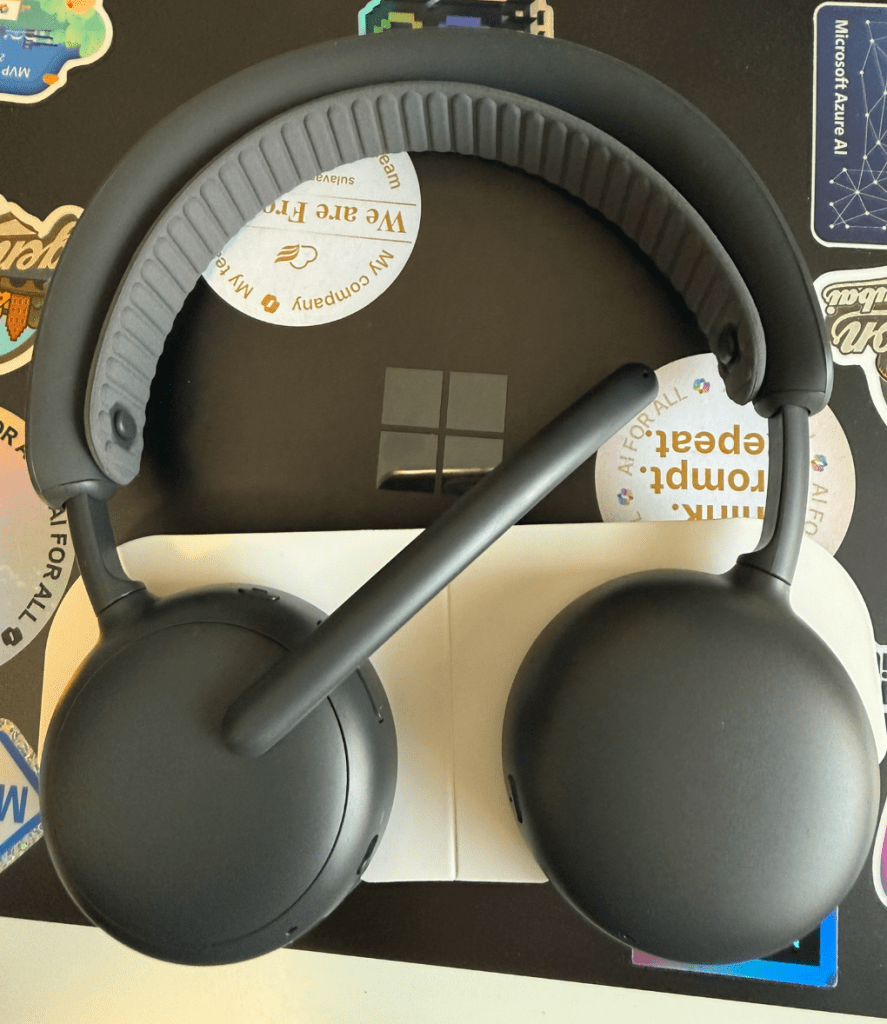
One of my favorite features is the reversible boom mic. You can wear the mic on the right or the left — whichever suits your setup that day.
This is practical, not a gimmick. I prefer for my mic to be on right Desk layouts change. People have different needs and preferences. Being able to choose the mic side is simply convenient — and it’s surprisingly rare even in premium headsets.
Battery life: good, predictable, and doesn’t demand attention
Battery has been in the “no drama” category — which is the best kind of battery story.
In my daily use (meetings + some music), it lasts well (ANC always on) and I’m not constantly thinking about charging. I also appreciate that USB‑C charging is standard and straightforward.
Two minor Windows/laptop quirks I ran into (and the quick fixes)
These were minor, and based on how they behave, they look like Windows/laptop-side quirks rather than anything fundamentally wrong with the headset.
1) Bluetooth connectivity on Surface Copilot Laptop 7
Occasionally, I had to toggle Bluetooth off/on on the laptop to get the headset to connect. After re-pairing the headset, it became more reliable, but I still sometimes need to restart Bluetooth.
Once it’s connected, it’s stable — so this feels like a compatibility quirk on the laptop side.
2) Music audio sounded odd until I disabled “Audio enhancements”
When listening to music, audio sometimes sounded strange — not broken, just oddly processed. Disabling Windows Audio enhancements for the device fixed it immediately.
It’s a bit unusual because I haven’t had to do this earlier, but once disabled the audio quality was good again.
Neither of these changed my overall experience with the headset — they were quick fixes and felt more like modern Windows “audio plumbing” than a headset problem.
Zone Wireless 2 ES vs Zone Wireless 2 — what’s meaningfully different (without turning this into a full comparison)
I don’t want this review to become a feature-by-feature comparison, but it’s still useful to call out a few differences that may matter if you’re choosing between models. See my review of Logitech Zone Wireless 2 in review
From my use and from the product positioning, the theme is clear: Zone Wireless 2 ES is built as a focused, business-ready headset with great comfort and strong core performance. Zone Wireless 2 is positioned higher in the lineup, with different microphone architecture and additional “premium” features.
Here are the practical differences worth knowing:
- Microphone setup differs between the models, and that shows in how the products are positioned for open office use and advanced call features.
- Materials and feel are different, and for me Zone Wireless 2 ES is the more comfortable headset on my head.
- There is also a price difference, which typically tracks with materials and positioning.
That’s the chapter you need. If you want deep spec-by-spec, Logitech has that — but my point here is: ES feels like the model designed to be worn all day by people who live in meetings.
Specs & compatibility (quick reference)
Here are the key specs and details from Logitech’s site.
- Headset: 185.2 mm (H) × 183.6 mm
 × 73 mm (D)
 - Weight: 212 g
- Microphone type: 2 noise-canceling mics with AI-based algorithms and Mic EQ
- Battery type: Built-in Lithium ion
- Talk time: up to 20 hours (ANC on), up to 25 hours (ANC off)
- Listening time: up to 25 hours (ANC on), up to 48 hours (ANC off)
- Charging: USB‑C
- Cable: USB‑C to USB‑C, 1.5 m
- Charging time: ~2 hours full charge, and a 5‑minute quick charge can give up to 1 hour talk time (conditions vary)
- Bluetooth: 5.3
- Connection type: Bluetooth; also supports audio over USB (use as a corded headset with the included USB‑C cable)
- Wireless range: up to 50 m (line-of-sight; real-world range varies)
- Zone Wireless 2 ES includes certified post-consumer recycled plastic:
- Graphite: 57%
- Off‑white: 50%
- Rose: 50%
(Excluding printed wiring assembly, speaker, cables, and packaging.)
Verdict: a genuinely good headset
Zone Wireless 2 ES has earned a spot in my home setup because it gets the fundamentals right:
- Very comfortable for long sessions (rare for me with on‑ear models)
- Strong mic quality for Teams, webinars, and recordings
- Very good noise cancellation for a real home environment
- Solid battery life
- Reversible boom mic that’s genuinely useful
If you’re looking for a headset that supports modern work without becoming something you “tolerate,” Zone Wireless 2 ES is worth a look.

 Vesa Nopanen - Future Work today