Did you know that when you share a screen in a Microsoft Teams meeting, you can annotate with another on anything that is on your screen? It could be a marketing ad, new visuals, budget – even any app running on your desktop. Annotating is basically inking on top of your screen. The cool thing? … Continue reading How to use Teams meeting annotations
Month: May 2024
Build 2024 Future Work highlights Â
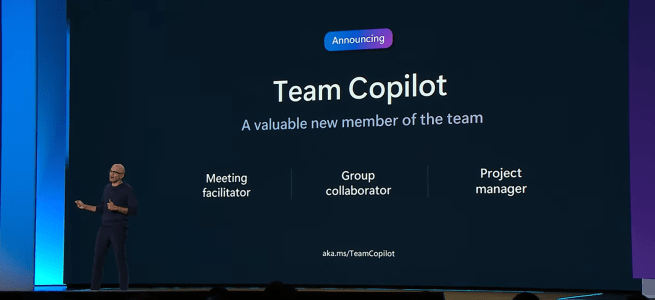
Microsoft Build's theme this year was expected: focused on Copilot & AI and how they are transforming our work scenarios now and in the future. Out of all announcements and news, I selected ones that are the most relevant to Future Work. Â Microsoft Teams and Teams Premium received several enhancements that will enrich the … Continue reading Build 2024 Future Work highlights Â
A special interview of Microsoft Mesh Product Group leadership members @ M365Conf
First, I want to say I am sorry for being more quiet than usual with my blog. It has been one of busiest times I recall. Yes, you guessed it. Microsoft Copilot has been keeping me busy with customers. While that is of course a good thing (I am a consultant, after all, and do … Continue reading A special interview of Microsoft Mesh Product Group leadership members @ M365Conf
How to work with guest users using Microsoft LoopÂ
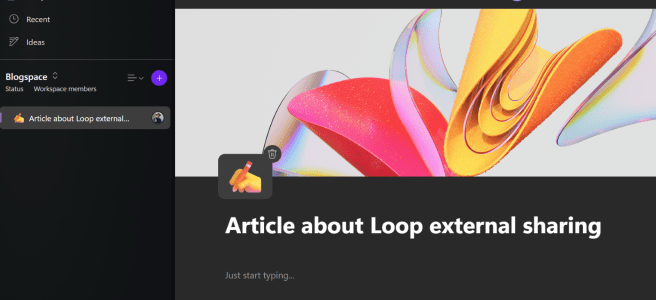
Are you already using Microsoft Loop? Have you been waiting for the opportunity to use Loop with people who are external to your organization?  Microsoft Loop is used to create Loops, which are flexible and fluid documents that can contain text, images, videos, charts, tables, lists, and more. You can also embed these fluid Loop … Continue reading How to work with guest users using Microsoft LoopÂ