
Teams external access configuration screen can be a bit confusing in case you don’t click the Learn more link to get more details.
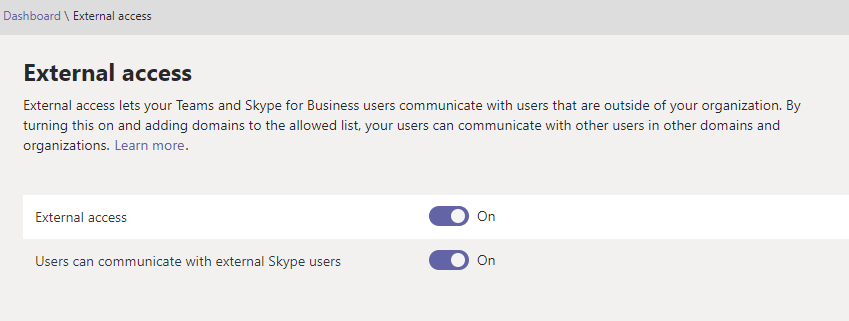
If you add any domains to allowed list in this screen, you end up in a situation where a domain you haven’t added gets a notification:

So it is not a open federation. Looking at Learn more documentation you can find out why:

If you want open federation do following
- Enable External Access
- Enable Users can communicate with external Skype Users
- Don’t add any domains to the list with Allow

 Vesa Nopanen - Future Work today