
Are you aware that you can include code snippets in Teams messages? You can actually add multiple code snippets to one post, since each one can have their own title.
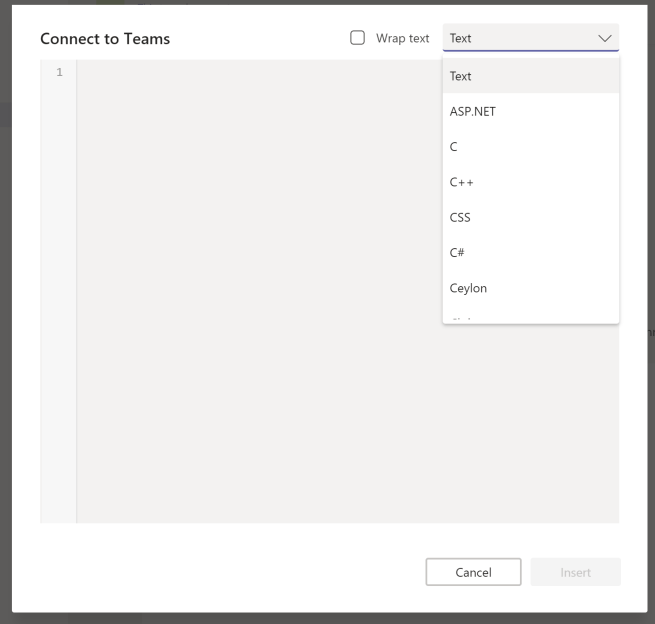
You need first to open the Format/larger view to post a message. From the “advanced editor” choose Code Snippet.

The code snippet part is actually it’s own editor. Just like in many other code editors: choose the format from various choices. Text is defaul
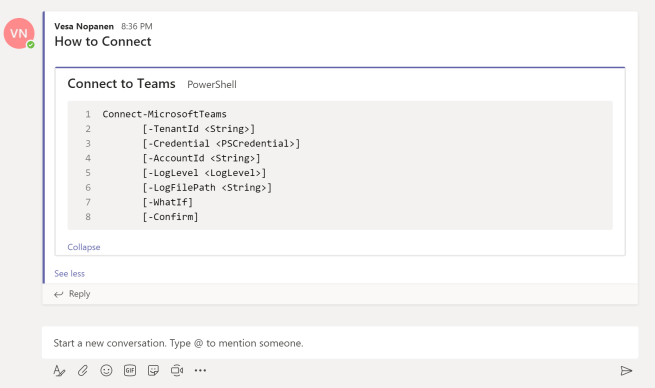
You can paste code in the middle of the message and you can atmention people normally. You can also add several code snippets if you need to.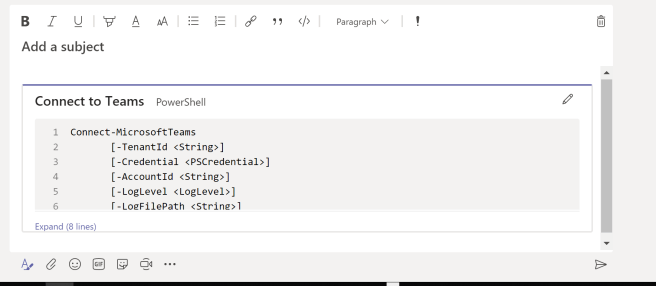
Simple, but efficient. Give it a try!

 Vesa Nopanen - Future Work today